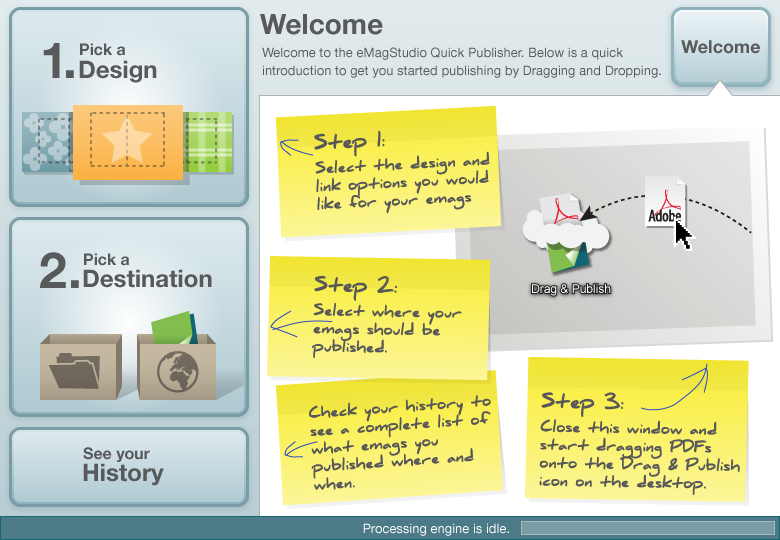
Drag & Publish is a simple companion application which is included free with the eMagStudio design suite for PC and Mac. The application was created to make it easy to batch process large amounts of PDF files into online eMags by simply dragging and dropping them onto the application icon on the desktop. The application sidesteps having to load the whole eMagStudio design suite each time the user wants to publish something with an existing template.
I wrote the specifications, designed the user interface, produced final assets and co-managed the development efforts.
The application is designed to be “set and forget”. The first time you run it, you simply pick your template, select where you want your emags published and close the application. That’s it. You never have to touch it again. From here on out, you simply drag and drop your PDFs onto the application icon, and they get published as online emags with the proper template.
 Above: Welcome screen.
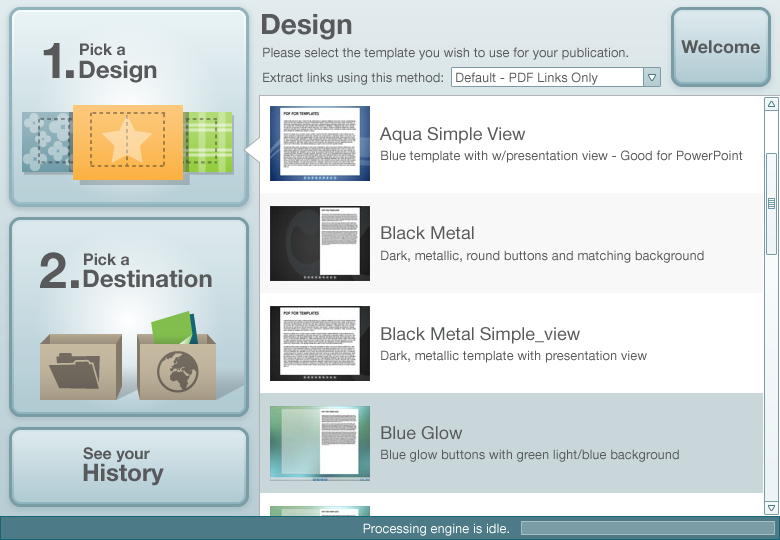 Above: Step one: Pick your template.
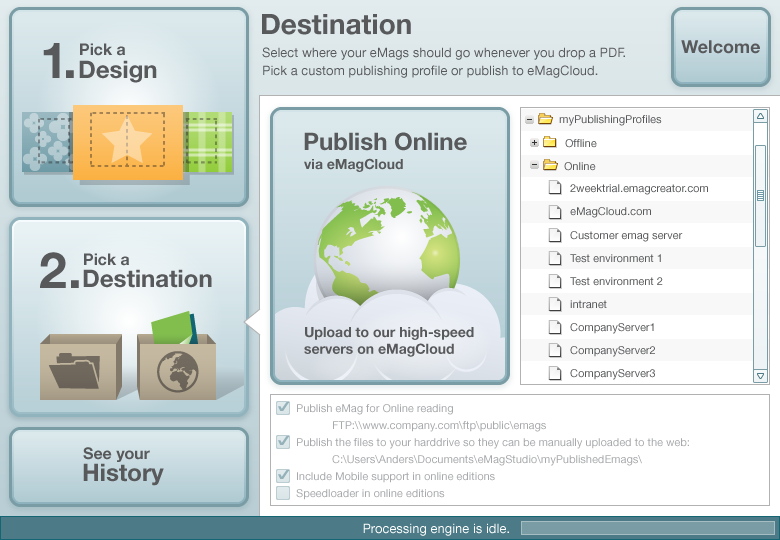 Above: Step two: Select where you want your emag published. Done.
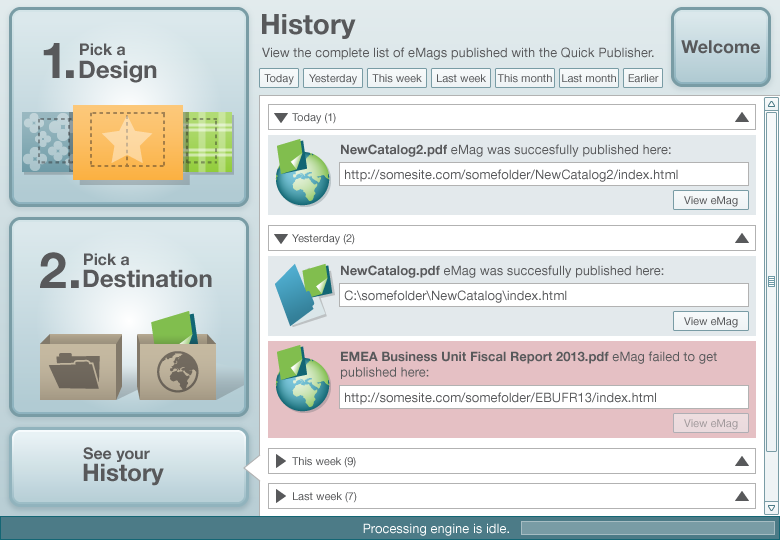 Above: The history section lets the user peruse the list of previous publications.